UX-UI
Context
Academic project
Role
UX/UI designer
Problem
Personal finance is often perceived as complex and difficult to approach, especially for beginners who lack structured guidance and practical tools to build confidence.
The challenge was to design a complete learning experience that could simplify financial concepts, maintain user motivation, and transform abstract information into engaging and actionable interactions.
Working in a team, I contributed primarily to the UX/UI design, prototyping, and usability testing phases, translating research insights into a cohesive mobile product experience.
Process
Collaborated with the team to understand the challenges beginners face when approaching personal finance through surveys, interviews, and market research.
The research phase included 41 survey respondents and 12 user interviews, providing insights into user motivations, knowledge gaps, and learning barriers.
Translated research findings into product requirements, defining the learning experience structure, user flows, and key features.
The team identified opportunities around bite-sized lessons, personalized learning paths, gamified progression, and interactive financial simulations.
Translated research findings into product requirements, defining the learning experience structure, user flows, and key features.
The team identified opportunities around bite-sized lessons, personalized learning paths, gamified progression, and interactive financial simulations.
Created the visual interface and high-fidelity prototype in Figma, developing a structured design system with 20+ reusable components.
Designed key product areas including lessons, quizzes, progress tracking, gamification elements, and financial simulation features.
Conducted usability testing on the prototype to validate navigation, comprehension, and overall user experience.
Analyzed feedback and iterated on UI components, interactions, and content presentation to improve usability and engagement.
Delivered the final high-fidelity prototype, design system, and complete project presentation, showcasing the product concept, design rationale, and user-centered approach.
Solution
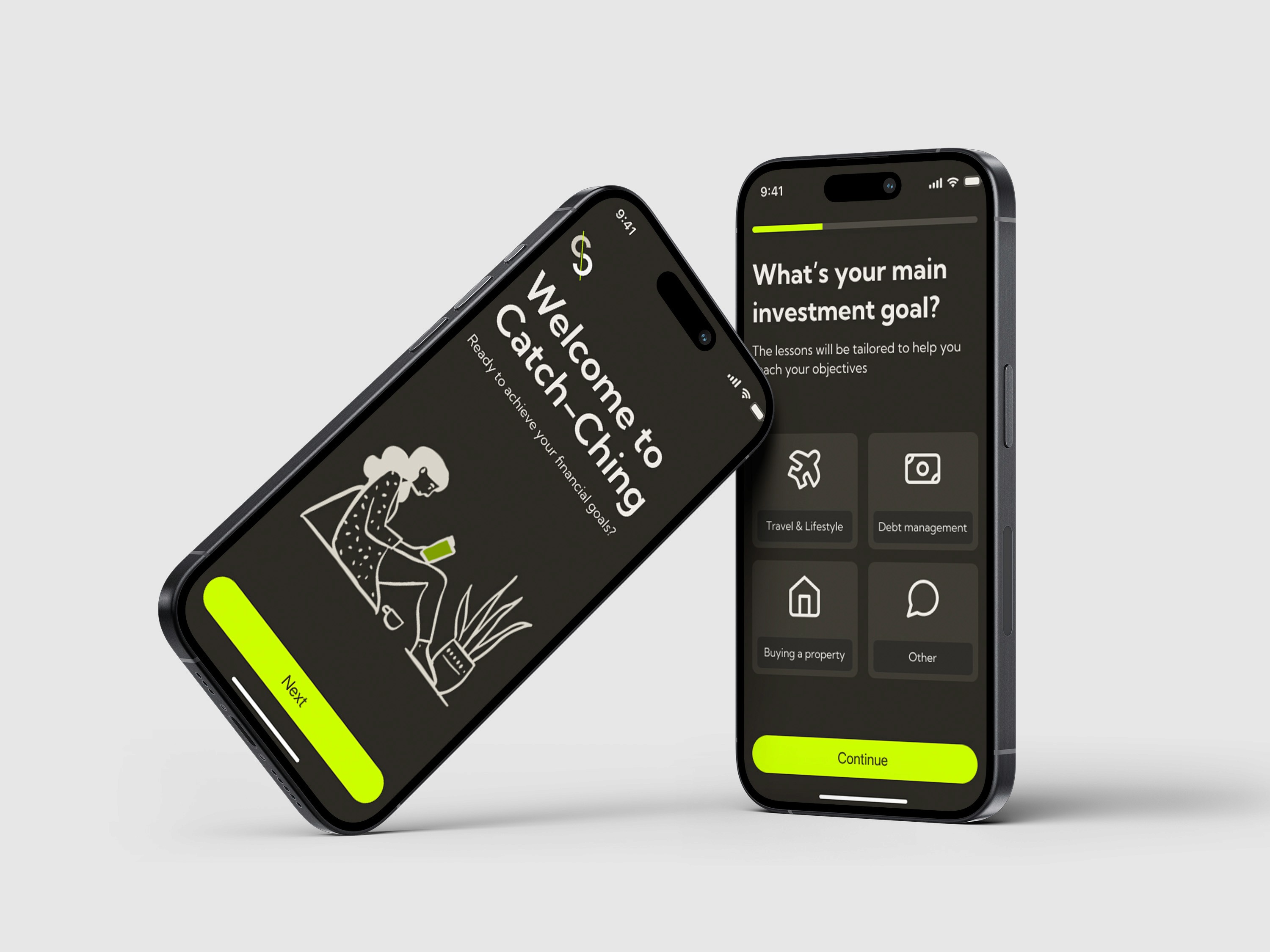
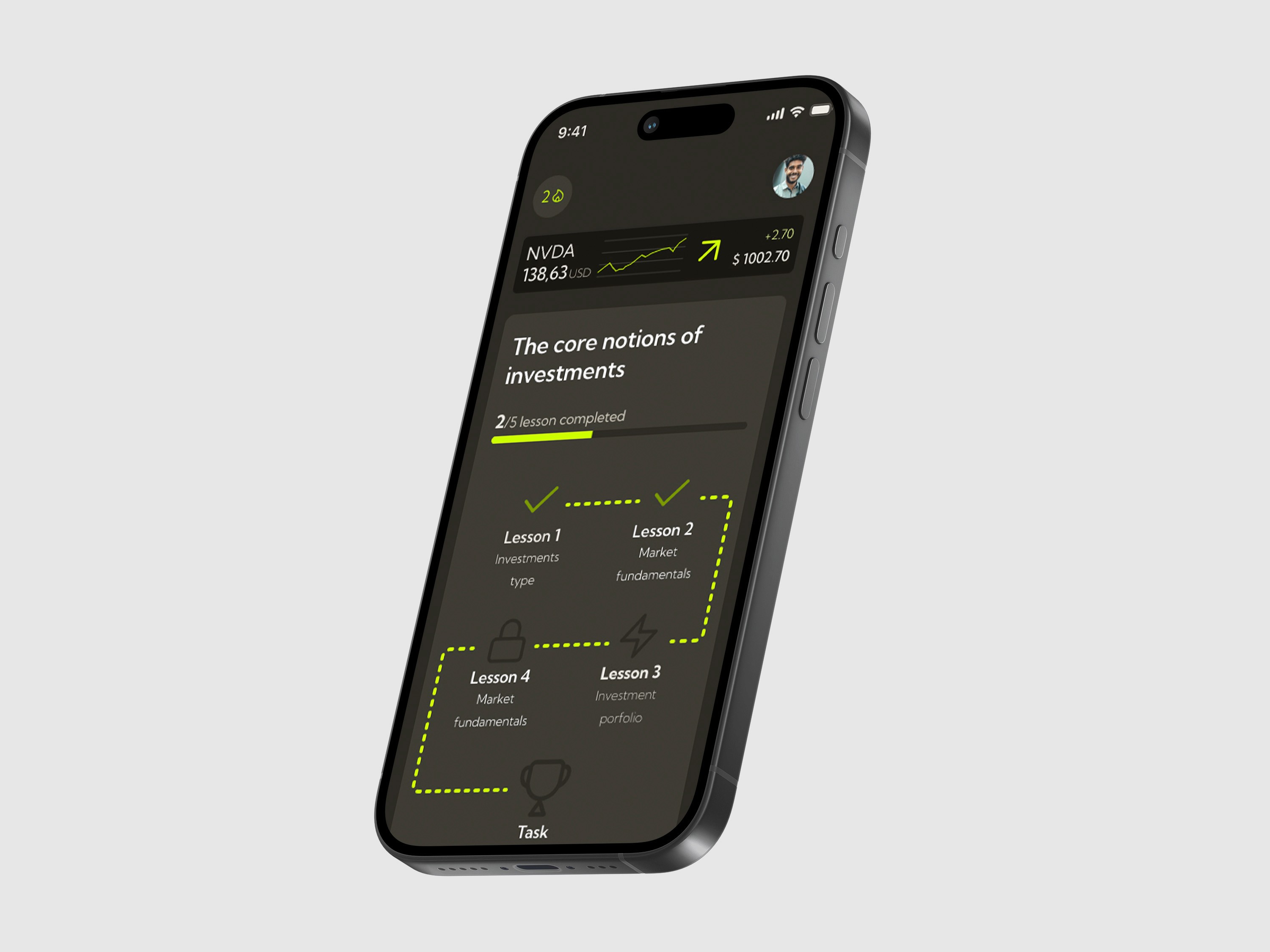
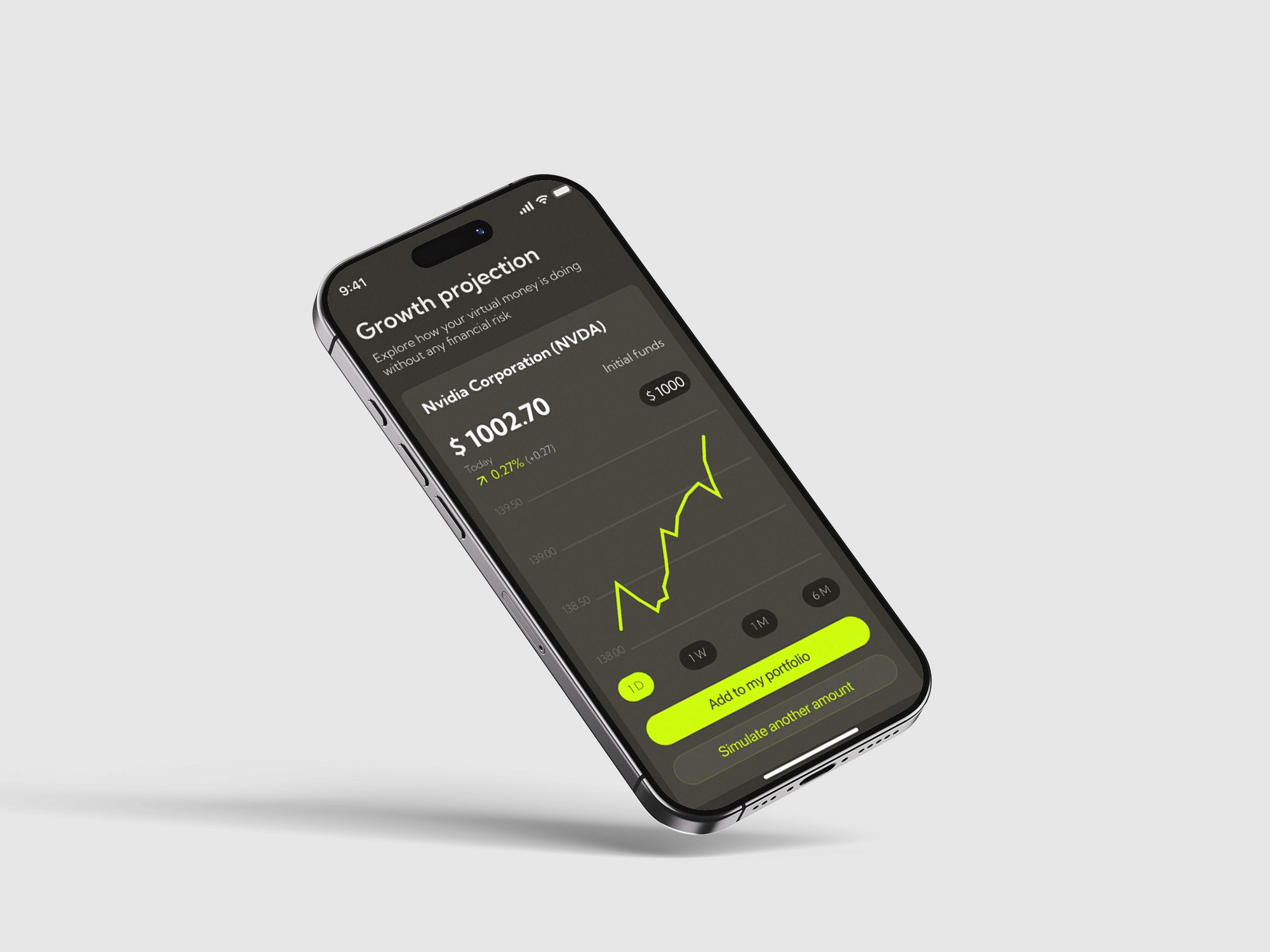
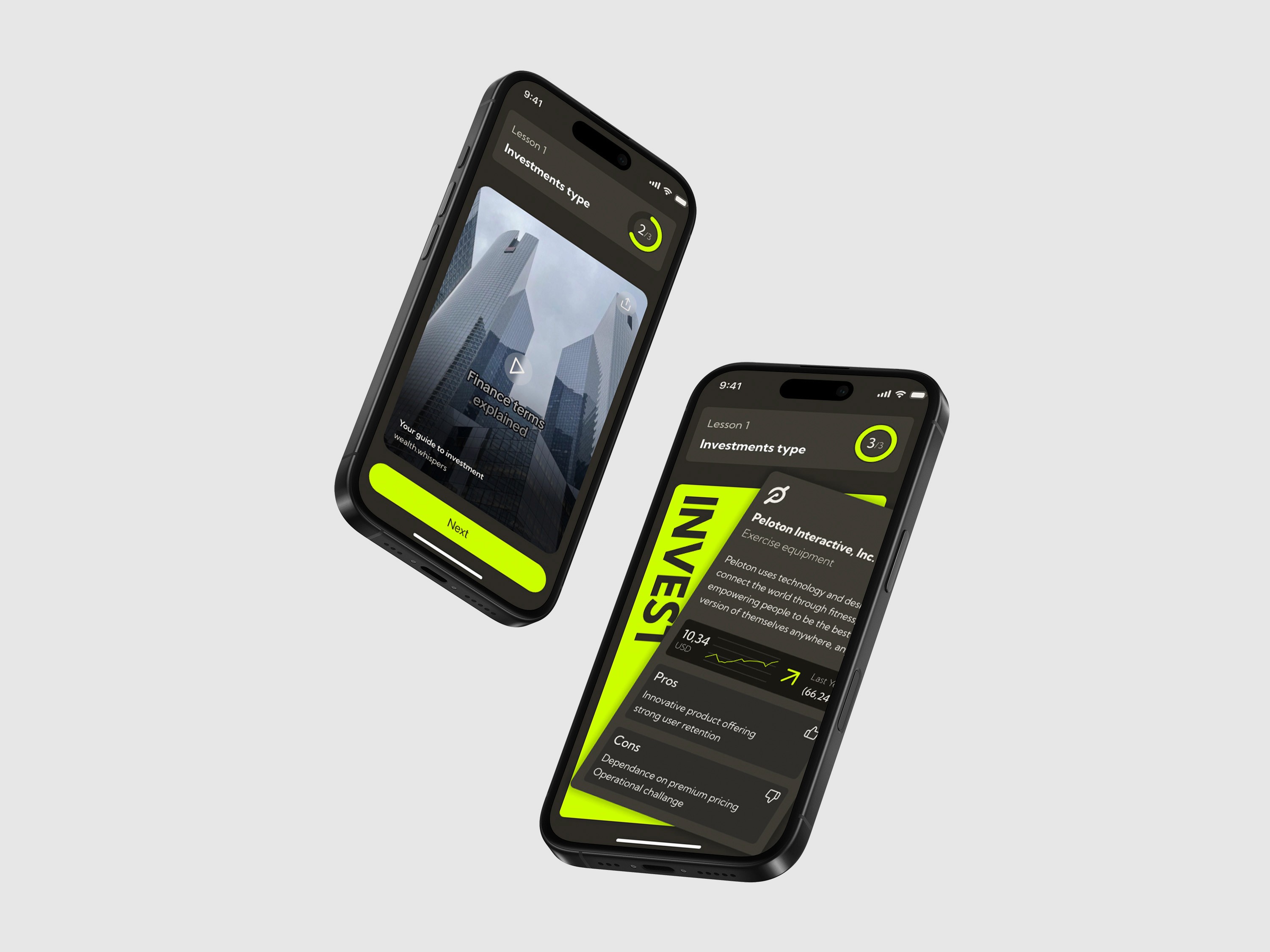
These mockups showcase Catch-Ching’s mobile experience, designed to make financial education simple, engaging, and accessible.
The final product includes 20+ screens supported by a modular design system, combining structured learning paths, interactive lessons, gamification mechanics, and financial simulations into a cohesive experience.
Reflections
Working with surveys, interviews, and user feedback strengthened my ability to transform research insights into concrete UX decisions, rather than relying only on assumptions.
Creating an educational product required balancing information complexity with user engagement. I learned how interaction patterns, progression systems, and visual hierarchy can make difficult topics easier to understand.
Developing a design system with reusable components highlighted the importance of consistency and scalability, especially when designing multiple features within the same product ecosystem.
Working alongside other designers taught me how to communicate design decisions, integrate feedback, and align different perspectives toward a shared product vision.
" height="21px" id="hQkO5vczd" transform="translate(2 5)" width="22px"/></svg>)
Contact
Interested in working together or discussing a project? Feel free to get in touch - I’d be happy to connect.
©danielelepore